
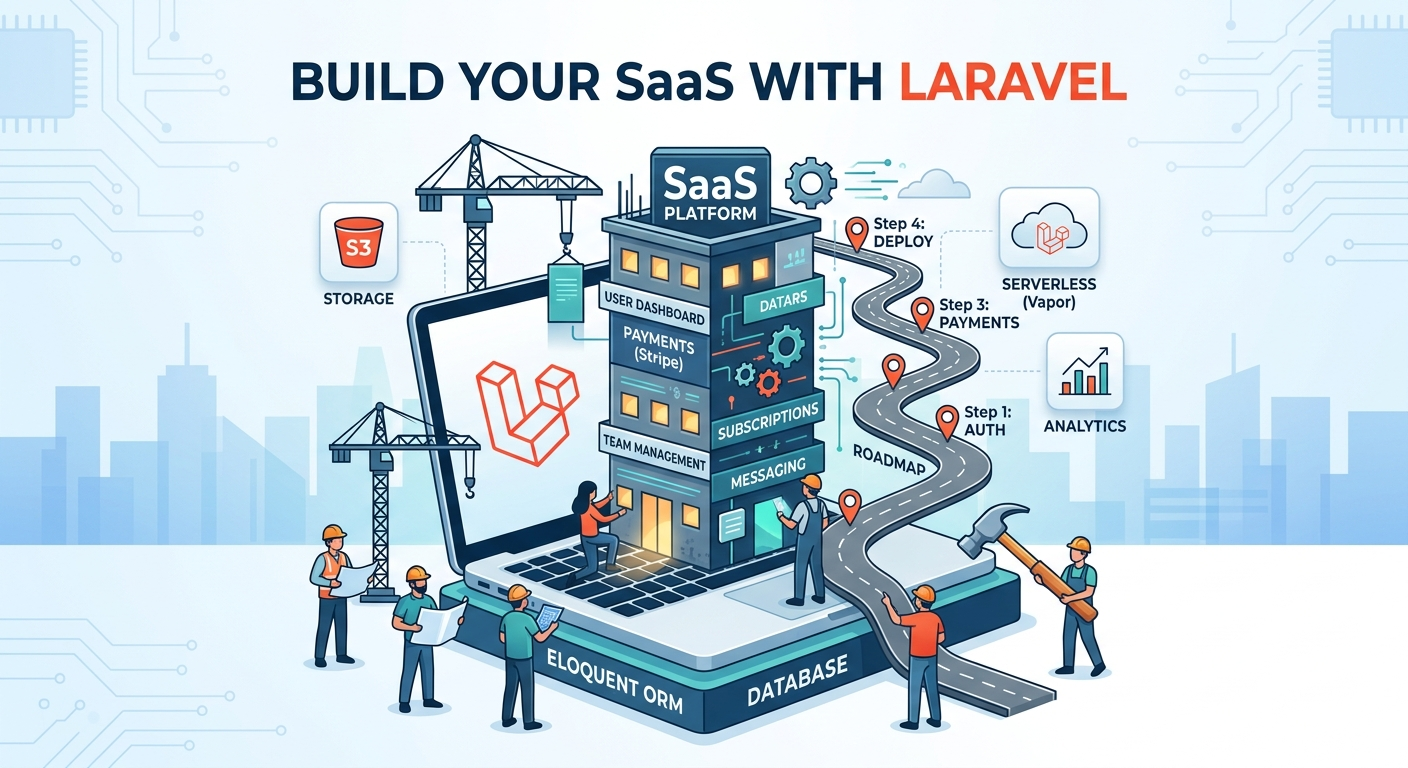
Building a SaaS Application with Laravel: A Step-by-Step Guide
Creating a Software as a Service (SaaS) application is one of the most scalable and profitable ways to build modern web products. With its elegant syntax, robust ecosystem, and built-in tools, Laravel is an excellent choice for SaaS development.
In this SEO-optimized guide, you’ll learn how to build a SaaS application with Laravel—from planning to deployment.
What is a SaaS Application?
A SaaS (Software as a Service) application is a cloud-based platform where users access software via a subscription, rather than installing it locally.
Examples of SaaS:
- CRM systems
- Project management tools
- Email marketing platforms
- Billing and invoicing apps
Why Choose Laravel for SaaS Development?
Laravel simplifies complex tasks and accelerates development with features like:
- MVC architecture
- Built-in authentication
- Queue management
- Database migrations
- API support
Laravel also integrates well with tools like Stripe for payments and Laravel Cashier for subscription management.
Step 1: Plan Your SaaS Application
Before writing code, define:
- Target audience
- Core features
- Pricing model (monthly/yearly)
- Multi-tenancy approach
SaaS Architecture Types:
- Single-tenant: Separate instance per customer
- Multi-tenant: Shared system with isolated data (most common)
Step 2: Set Up Laravel Project
Install Laravel using Composer:

Configure your .env file for database and environment settings.
Step 3: Implement Authentication
Laravel provides built-in authentication scaffolding.
You can use:
- Laravel Breeze (lightweight)
- Laravel Jetstream (advanced features like teams, API tokens)

Step 4: Design Multi-Tenancy
Multi-tenancy is the backbone of SaaS apps.
Common Approaches:
- Database per tenant
- Single database with tenant ID
Popular packages:
- Tenancy for Laravel
- Spatie Multitenancy
Ensure each user's data is isolated and secure.
Step 5: Build Core Features
Start with your MVP (Minimum Viable Product):
- User dashboard
- CRUD operations
- Role & permission management
- Notifications
Follow Laravel best practices like:
- Controllers for logic
- Models for data
- Blade or APIs for frontend
Step 6: Add Subscription & Billing
Monetization is key in SaaS.
Use:
- Stripe for payments
- Laravel Cashier for managing subscriptions
Features to Implement:
- Plans (Free, Pro, Enterprise)
- Trial periods
- Subscription upgrades/downgrades
- Invoice generation
Step 7: Build API (Optional)
If you plan to support mobile apps or SPAs, create APIs using Laravel:

You can also integrate GraphQL if needed for flexible data fetching.
Step 8: Optimize Performance
To ensure scalability:
- Use caching (Redis, Memcached)
- Queue jobs (emails, notifications)
- Optimize database queries
- Use CDN for assets
Step 9: Security Best Practices
Security is critical for SaaS apps:
- Use HTTPS
- Validate all inputs
- Implement role-based access control
- Protect against SQL injection & XSS
- Regular backups
Step 10: Deploy Your SaaS Application
Deploy your Laravel SaaS app using platforms like:
- AWS
- DigitalOcean
- VPS hosting
Tools to consider:
- Docker for containerization
- CI/CD pipelines for automation
Step 11: Monitor & Scale
After launch:
- Monitor performance (logs, metrics)
- Gather user feedback
- Scale infrastructure as users grow
- Add new features based on demand
Benefits of Building SaaS with Laravel
- Rapid development
- Scalable architecture
- Strong community support
- Secure and maintainable codebase
Conclusion
Building a SaaS application with Laravel is a powerful way to create scalable, subscription-based software. By following a structured approach—from planning and multi-tenancy to billing and deployment—you can launch a successful SaaS product efficiently.
Start small with an MVP, validate your idea, and scale as your user base grows.